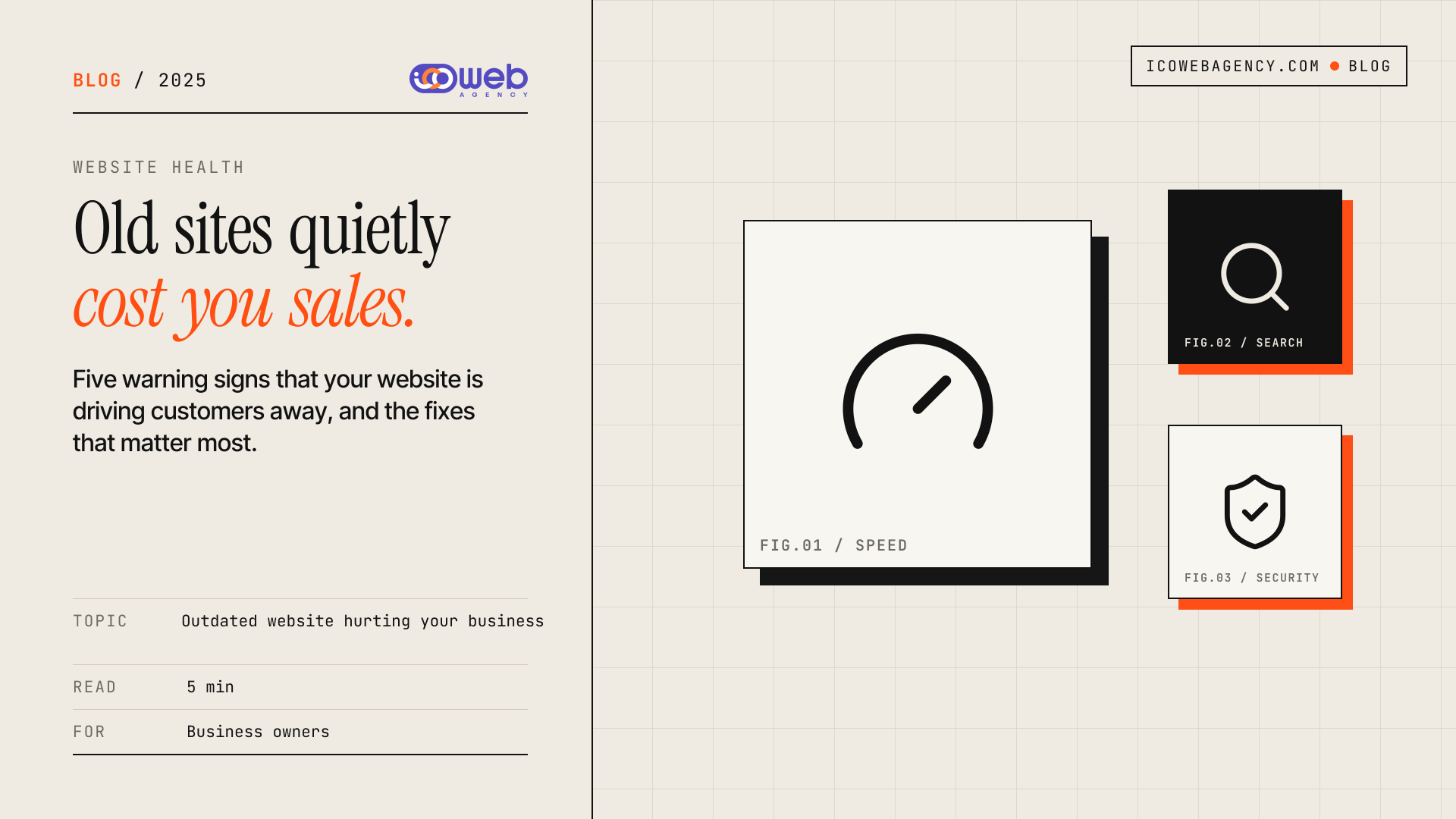
An outdated website hurting your business rarely announces itself. Visitors simply leave, enquiries slow down, and the cause stays hidden. Your website is a storefront that never closes, so when it looks dated, loads slowly or is hard to use, you lose customers before they ever speak to you. The answer is to spot the warning signs early and fix the problems that cost you the most.
Why an Outdated Website Costs You Customers
Most people decide whether to trust a business within seconds of landing on its site. A clean, responsive and fast website builds credibility and makes it easy to take the next step, whether that is calling, booking or buying. An old site works against you on each of those points, and the damage is often invisible because the people it turns away never tell you why they left.
5 Ways an Outdated Website Hurts Your Business
1. Poor user experience drives visitors away
If navigation is confusing, menus hide key pages or the layout feels dated, visitors give up quickly. They rarely complain. They go to a competitor whose site is easier to use.
2. Slow loading pages lose sales
People expect pages to open almost immediately, especially on mobile phones and unreliable mobile data. Heavy images, bloated scripts and slow hosting all add delay. Every extra second of waiting is another chance for a visitor to leave.
3. Search rankings slip over time
Search engines such as Google reward sites that load quickly, work well on phones and answer what people are actually searching for. An outdated site that lacks mobile responsiveness and basic SEO practices tends to fall behind, which means less traffic and fewer leads from search.
4. Security gaps put customers at risk
Old software that no longer receives updates can be exploited. Unpatched sites may be hit by malware, defaced or used to send spam. A breach damages both your reputation and the trust customers place in you. Keeping plugins, frameworks and server software updated is basic protection.
5. Your brand looks stuck
Dated design signals that a business has stopped investing in itself. Modern layouts, clear photography and consistent branding help visitors feel confident that you are current, careful and worth their money.
Why Outdated Sites Are Easy to Miss
Business owners often judge their website by how it looks on their own laptop, on a fast connection, after they already know where everything is. Customers see it differently. They arrive from a search result on a phone, on a slower network, with no prior knowledge of your menu. A site that feels fine to you can still be frustrating for them. Testing the site the way a new visitor would is the simplest way to find the gaps.
Quick Website Health Check
Answer these questions honestly. Each yes is a sign your site may be costing you business:
- Is your site slow to load on a mobile phone?
- Does the design look outdated next to your competitors?
- Is it mobile-responsive on every screen size?
- Does navigation feel smooth and obvious?
- Is traffic lower than it should be for your market?
- Are your security updates and software current?
How to Fix an Outdated Website
You rarely need to start from zero. Work through the problems that cost the most first:
- Test speed on a mobile phone and fix the largest delays first, usually oversized images and unnecessary scripts.
- Confirm the site is fully responsive and that key actions such as calling, booking or enquiring are easy to find.
- Review page titles, descriptions and headings so each page matches what customers search for.
- Apply software updates, use HTTPS, and remove plugins or tools you no longer use.
- Simplify the menu so visitors reach your most important pages in two or three taps.
Track enquiries, contact form submissions and bounce rates with analytics before and after each change. That shows you which fixes actually improved results, so you can invest in the right things next.
Some issues are quick to fix. Others, such as a design built on technology that is no longer supported, justify a planned rebuild. Our website and web app services cover businesses that need either.
A well-maintained website is a powerful business asset. Do not let an outdated site cost you customers and credibility.
Frequently asked questions
How do I know if my website is outdated?
Check whether the site loads quickly on a phone, works well on every screen size, and makes key actions easy to find. If it fails any of these, or looks clearly dated next to competitors, it is probably costing you visitors.
Does an outdated website really affect Google rankings?
It can. Search engines look at speed, mobile usability and the quality of content, so a site that falls short on these tends to lose ground over time. Rankings also depend on competition and relevance, so technical improvements work best alongside good content.
Do I always need a full website rebuild?
No. Many problems, such as slow images, weak navigation or missing updates, can be fixed on an existing site. A full rebuild makes more sense when the underlying technology is no longer supported or the site cannot be made fast or secure.
How often should a business update its website?
Apply security and software updates as soon as they are released, and review content, speed and key pages at least a few times a year. Regular small updates are cheaper and safer than leaving a site untouched for years.
If your website is losing enquiries and you are not sure where to start, tell us about your project or contact Icoweb, and we will look at what needs fixing first.