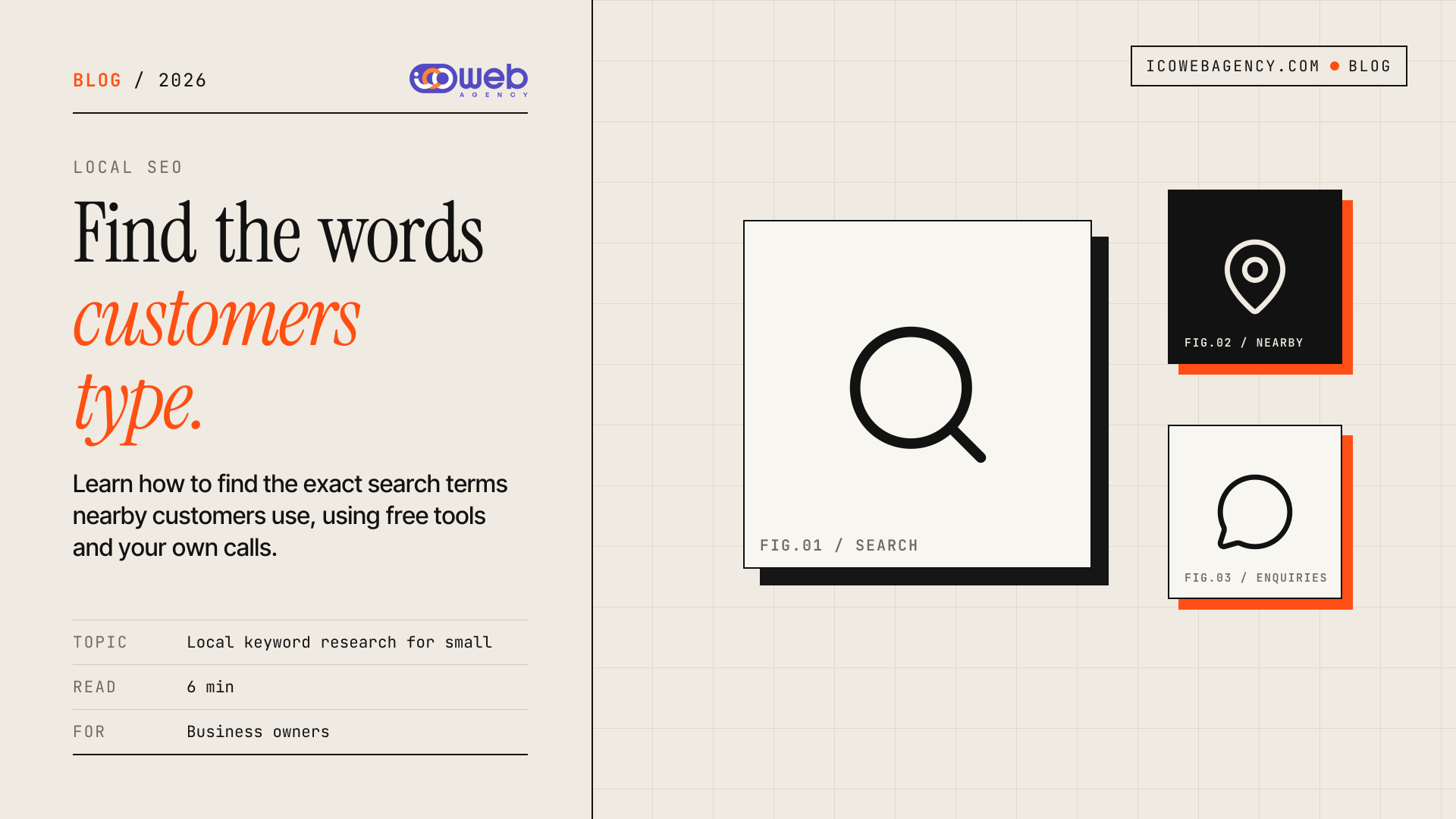
Most local business owners guess what customers type into Google. They pick words that sound right to them, such as "premium interior solutions", while the people nearby search for "interior designer Port Harcourt". Local keyword research closes that gap. It means finding the exact words people near you use when they need what you sell, then building your website and listings around those words. This guide shows you where to find them and how to use them.
Why guessing the wrong keywords costs you
Every page on your website and every line in your Google listing either matches a search or it does not. If your site talks about "solutions" and your customers search for "prices" or "near me", a visitor may never find you, even when you are the best option nearby. Guessing also wastes time. You write articles, pages and posts that nobody looks for.
Good research does not need expensive software. It needs you to listen to customers and check a few free sources.
Start with the words your customers already use
Your best source is the way people already describe their problem to you. Customers rarely use industry language.
Ask the people who call you
For one week, write down how each new customer first described what they needed. Note the exact words, the area they mentioned and what they asked first. Patterns appear quickly. A clinic might hear "baby vaccination near me" far more often than "paediatric immunisation". A caterer might hear "party jollof for 50 people" rather than "event catering".
Read your own enquiry messages
Check your WhatsApp, email and contact form history. Look for the questions people send before they book. These are often close to search terms, because they show what the customer was unsure about. Price questions, location questions and "do you deliver to" questions are all useful.
Use free tools to check the wording
Once you have a list of phrases from your customers, test them in tools that show real search behaviour.
- Google search suggestions. Type your service into Google and read the autocomplete options. Add a place name after it, such as your street, estate or city, and see what appears.
- "People also ask" boxes. These show the questions people type in a results page. Each question can become a heading or an FAQ on your site.
- Google Business Profile. The Performance section of your profile can show some of the search terms people used to find your listing. Check it monthly and note new terms.
- Google Search Console. Once your website is verified, the Performance report lists the queries that brought people to your pages, with impressions and clicks. It is the most accurate free source for your own site.
You do not need to chase high search volume. For a local business, a phrase that a few dozen people search each month in your area can be worth more than a broad national term, because those searchers are close enough to buy.
Add the local part: service plus place
Local searches usually combine a need with a place. Build your list in that format:
- Service + city: "emergency plumber Port Harcourt"
- Service + neighbourhood: "children's dentist Rumuola"
- Need + context: "same day print shop near me"
- Question + place: "where to buy solar inverter in Port Harcourt"
Use the place names your customers use, not only the official ones. Estate names, junctions and landmarks often matter more than the local government area. Keep a note of them as you hear them in calls.
Sort your list by buying intent
Not every phrase means the same thing. Group them into three kinds:
- Ready to buy. Phrases with words like "price", "book", "near me", "open now" or "contact". These belong on your service pages and listing.
- Comparing. Phrases like "best", "vs", "reviews" or "which". These suit comparison content, FAQs and proof such as project examples.
- Researching. Phrases that start with "how", "what" or "why". These suit blog articles that answer a question and then point to your services.
Start with the ready-to-buy group. It brings enquiries sooner than the others.
Put each term where it belongs
A keyword list does nothing until it appears where people and Google can read it. Place each term on the page that matches its purpose:
- Homepage: your main service and main area, written in plain sentences.
- Service pages: one service per page, with the terms your customers used in the headings and opening paragraph.
- Location pages: the area you serve, with local details that are true for your business.
- Google Business Profile: your services, description and posts, using the same words your customers use.
- Blog or FAQ: answers to the research-stage questions from your calls.
Write for the reader first. A page that repeats the same phrase ten times reads badly and can put people off. Use each term once or twice where it fits, and vary the wording with close variants. If your site is slow or hard to use on a phone, good keywords will not help much, so check that as well. A business website built on a clean, fast structure makes it easier to publish and update pages as your list grows. Our website and web app development work covers that structure, and we build for businesses in Port Harcourt and beyond.
Keep the list alive
Customers change how they talk, and new competitors appear. Review your list every few months. Check Search Console and your Google Business Profile insights, add new terms from your calls, and retire phrases that bring no enquiries. Small updates to existing pages often do more than starting from scratch.
Frequently asked questions
What is local keyword research?
Local keyword research is the process of finding the words and phrases people near your business type when they look for your product or service. It combines what customers say to you with free search tools. The result is a list you can use on your website and online listings.
Do I need paid SEO tools to start?
No. You can start with your own enquiry messages, Google search suggestions, the "People also ask" boxes and Google Business Profile insights. Paid tools can help later with competitor research, but they are not needed to find the terms your customers use.
How many keywords should a local page target?
Each page should focus on one main service and one area, with a few close variants. Trying to cover many unrelated services on one page makes it harder for Google and visitors to understand what the page is about. Create separate pages for separate services.
How often should I update my keyword list?
Review it every few months, and check your search data monthly if you can. Customer language changes slowly, but new services, new areas and new competitors can shift which phrases matter. Update the pages that depend on the terms that change.
If you want help turning your research into pages that load quickly and are easy to update, tell us about your project or contact Icoweb. We will look at your services, your area and the words your customers use, and suggest a clear plan.